

With the launch of KeyShot Studio version 2025.2, the visualisation experts have debuted its first foray into artificial intelligence – KeyShot Studio AI
Designed to fit into existing workflows, whether its exploring styles, building scenes, or connecting, KeyShot Studio AI runs locally and promises full user control.
Restyle Mode enables new style directions to be generated in seconds using simple prompts, keeping the original layout intact. To save time, the software understands the shape and form of the models in a scene as a 2D-depth image, while understanding the surface normals of the models in the scene and using them to maintain the shape of 3D objects.
Background Mode does as it says – placing rendered product images into compelling scenes built from AI-generated environments, all generated locally, without compromising privacy or context. By placing the same product into multiple regional or seasonal environments brand teams or marketing can adjusting visuals for market.
The final tool, Imagine Mode, allows users to create unlimited quick, high-quality visual concepts instantly to help accelerate decision-making all before modelling anything.

Keyshot explains that Restyle, Background and Imagine Modes work locally on the users computer. No information leaves the user’s machine and no internet connection is required following the initial download of the feature, making it possible to make full use of generative image AI, even when working with confidential products.
The software requires a Windows PC with an Nvidia or AMD GPU that has at least 16 GB of memory or a Mac with 16 GB of memory and an M1 or newer CPU. The tools can also run using only the CPU, but this is much slower and not generally recommended.
Keyshot Studio 2025.2 also introduces Light Layers, which can limit the effect that a primitive light has on just the surfaces and parts. This means that users can dial in the perfect lighting for each part.
Keyshot explains that designers will find this especially helpful towards the end of the lighting process when an overall lighting setup has already been established, and the goal is to tweak the highlights on the different parts in the scene without spending a lot of time on compromises.
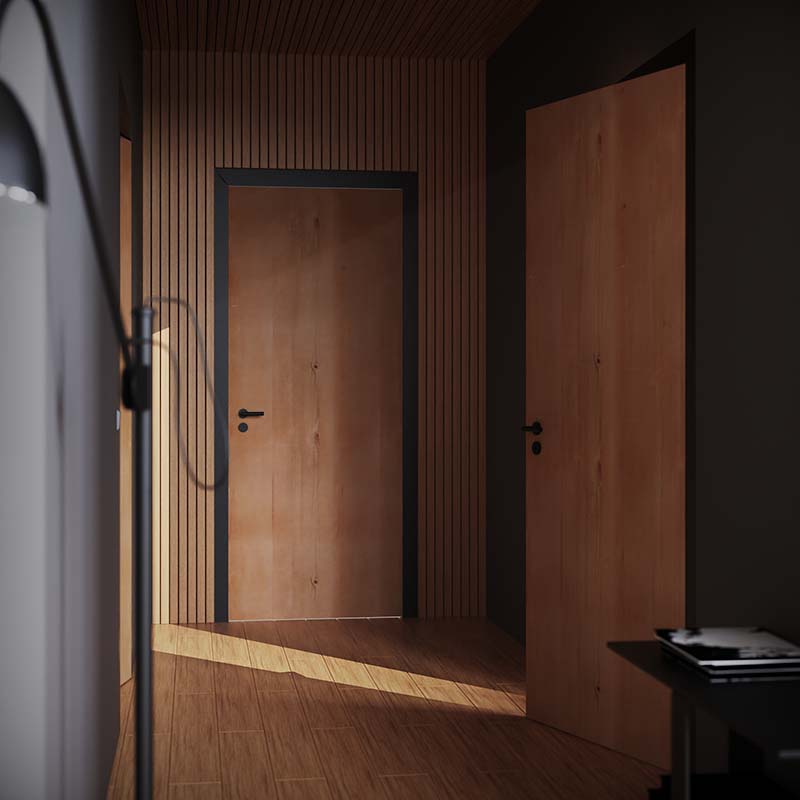
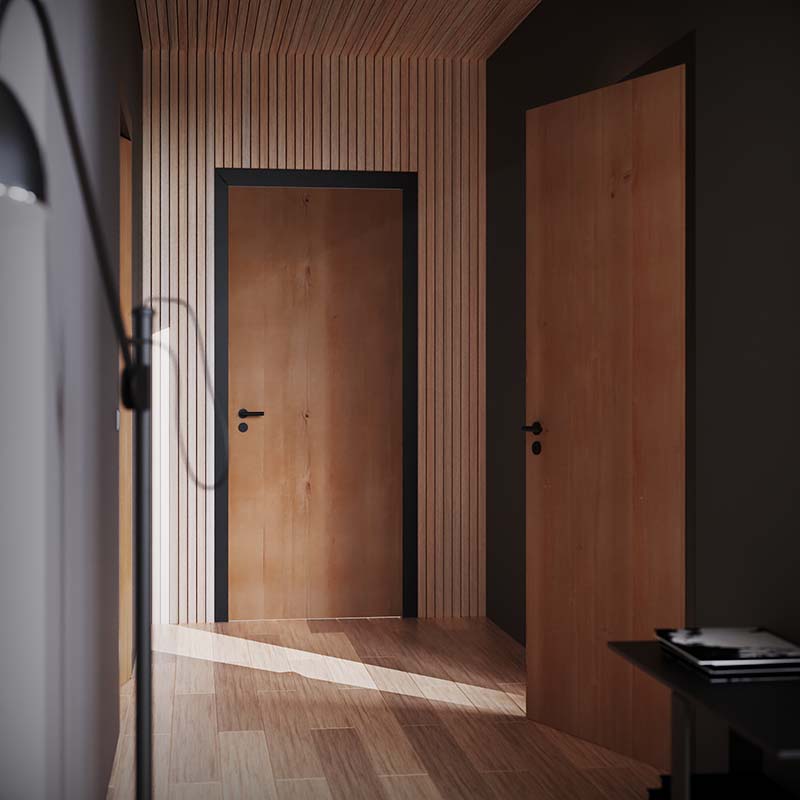
New Randomization Nodes have also been added for backgrounds, allowing for more natural variation to background objects and materials.
This can be used to randomly offset UV coordinates, giving each stone tile or wooden panel its own look and grain pattern; make individual stone tiles slightly darker or brighter or move parts randomly via displacement.
2025.2 also includes an updated KeyShot Cloud Library. The new Cloud Library replaces the legacy library and brings faster performance, enhanced security, and more high-quality content from its partners.