
Huion Kamvas 22 Plus Review:
What does £500 buy you in the pricey world of pen displays? An outdated bargain-basement brick or a surprise hit? Stephen Holmes put the Huion Kamvas 22 Plus through its paces, and found a lower spec piece of hardware that could still supercharge your workflow
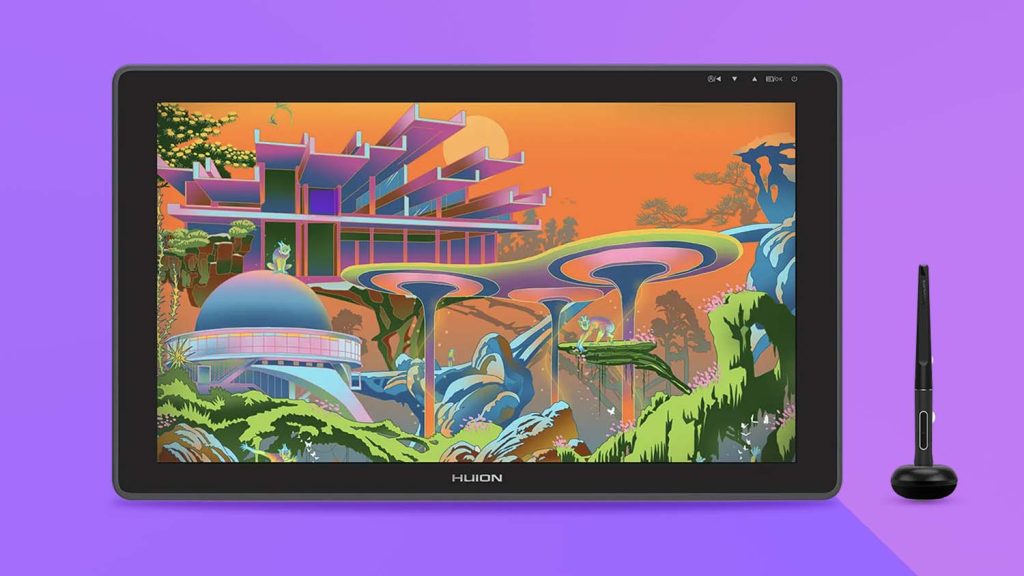
When we heard that Huion had souped up its Pro range in order to go toe-to-toe with professional tablet makers Wacom and Xencelabs, we wanted to know more. The company’s product team suggested we take a look at its updated lower-spec model, the Kamvas 22 Plus – but with no ‘Pro’ included in that moniker, we were sceptical.
On further research, we discovered that, on paper, the Kamvas 22 Plus stands at a distinct disadvantage to its more professional-sounding sibling, the Kamvas Pro 24. For example, it offers almost half the resolution, pressure levels and viewing angle of the Pro 24. However, we also sensed ‘dark-horse potential’ in the 22 Plus, given that it comes at almost a third of the price and boasts updated QLED technology.
Founded in 2011, Huion launched its Kamvas line in 2018, offering a wide range of screen sizes. Today, a 22-inch screen is something of an oddity. Smaller, pick-up-and-use-anywhere tablets typically measure around 16 inches. Further up the scale, smaller desk footprint models tend to weigh in at 24 inches, while those aimed at professional power users top out at 27 inches (but only since Wacom discontinued its mammoth Cintiq Pro 32).
However, the workspace on offer with the Kamvas Plus 22 is not hugely different from a 24-inch pen display to really cramp you style and buying this device will certainly keep costs down – but don’t expect a piece of mobile kit that can be casually tossed in your rucksack (more on this topic later).
Out of the box
Huion Kamvas 22 Plus arrives in a solid, if rather plain, cardboard box. Unlike competitors, there’s no real ‘unboxing experience’. The packaging extends to stock polystyrene and plastic baggies, as opposed to more sustainable, modern alternatives. Yet everything is clearly marked and a narrow brown card box contains all power cables, as well as a pen stand and a pen, itself stored in an unflashy little unbranded cardboard canister.
It’s not an ostentatious start and neither is having to attach the included stand. The screws are included, but you’ll need a Phillips screwdriver to complete the task. Given that you’ve opted for a budget choice, a bit of self-assembly is hardly the end of the world, and in true flatpack furniture tradition, a rogue allen key is included, for which I’ve still to find a use.
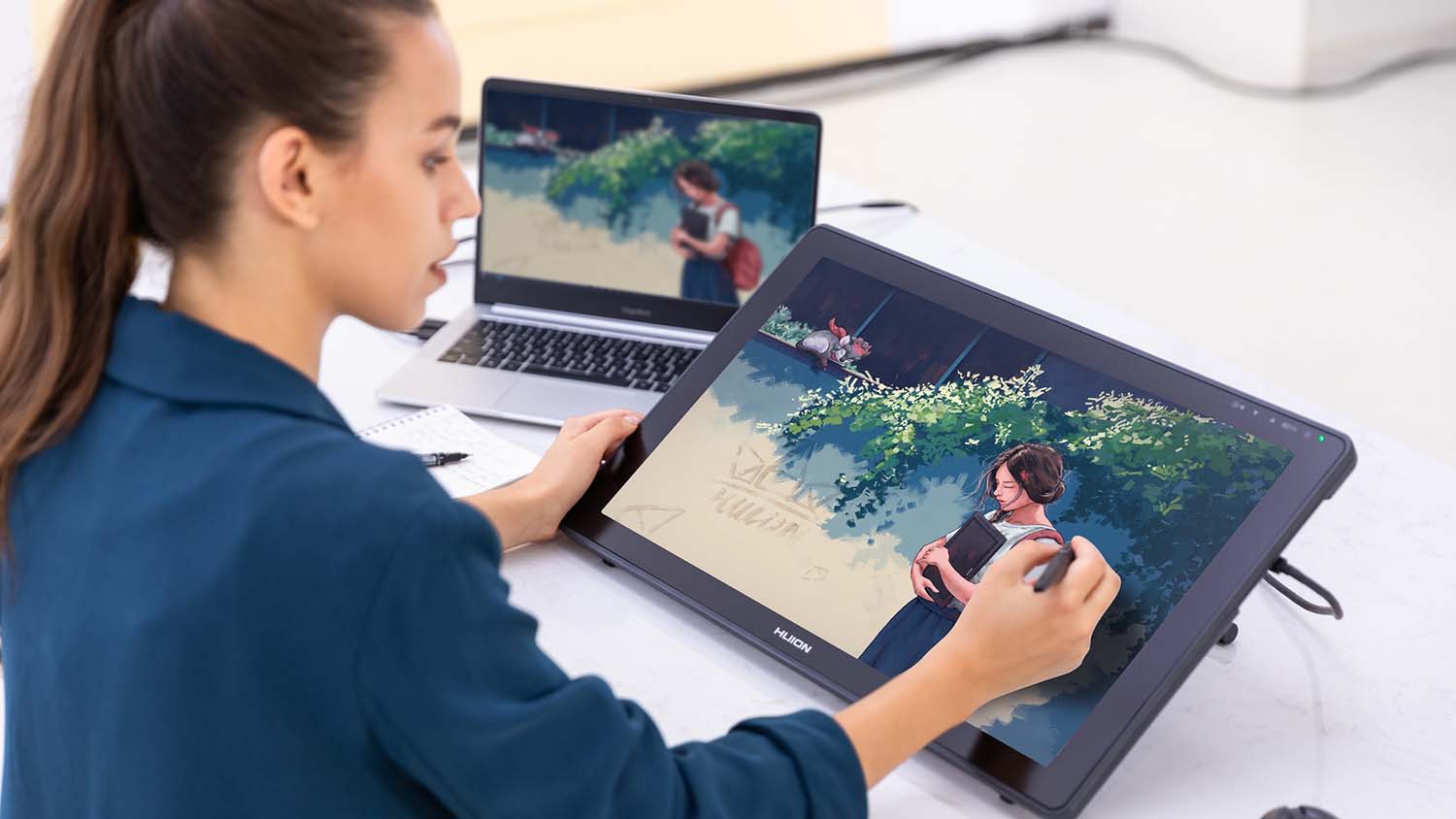
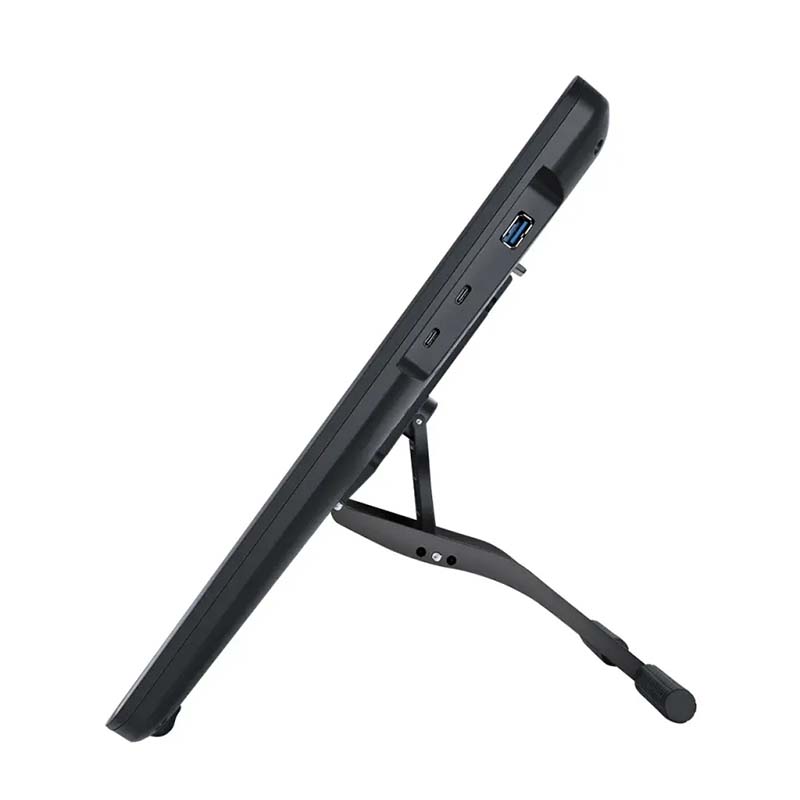
Once installed, the stand can be adjusted from a 20-degree to an 80-degree angle, with the bottom of the screen sitting on grippy rubber feet. It’s easy to find a drawing position that suits you, although a built-in stand would have been a nice option.
The first thing you notice is that the curvy matte black Kamvas 22 Plus is a chunky unit. At nearly 2cm thick, and a smidge under 4kg, this is not a pen display that you’re going to pick up regularly and cradle like a sketchpad.
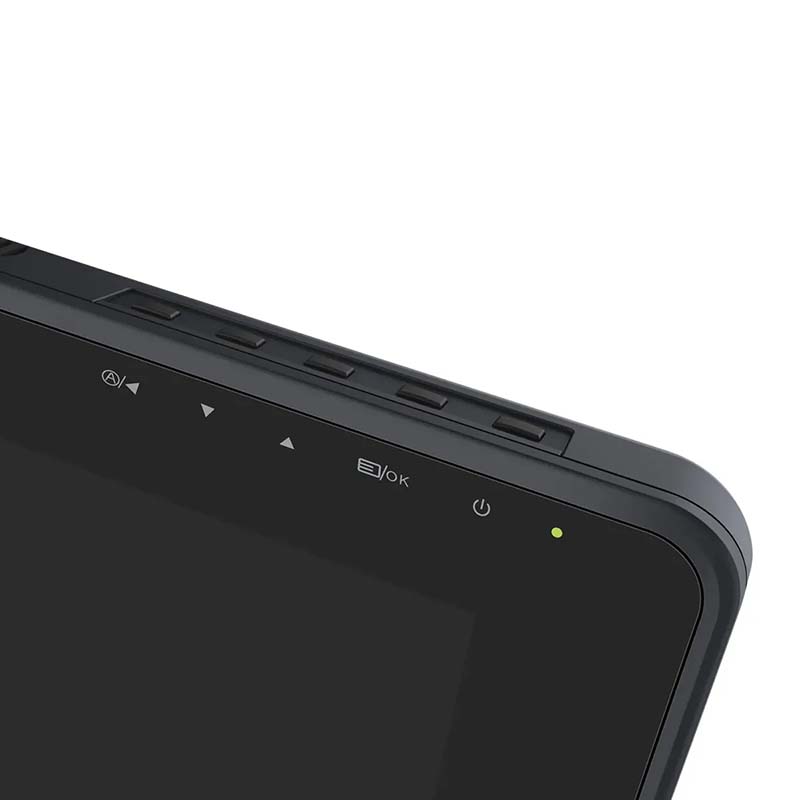
The back has 75x75mm VESA mounting holes for an existing stand set-up. Five physical buttons are situated in an indent at the top of the screen for power on, menus, up and down and selection. Its two USB-C ports will be quickly taken up by the power and lead-out cables, leaving a USB-A port for peripherals.
While overall, set-up was quick, I had to consult the guide to understand how to connect the three separate elements that make up the power cable. The resulting line leaves you with a lot of wire.
Once connected, you have the option to use the Kamvas 22 Plus as your main display, as an extension of your display, or just to mirror what’s already on your screen. There’s also all the usual colour profile options you can choose to best suit your workflow.
Smooth touch
While the base model Kamvas 22 has an anti-glare matte film stuck over the screen, the Plus model that we’re reviewing has etched anti-glare glass. This makes for a smooth hand pass over the screen, eschews any greasy marks and gives a very slight resistance to the stylus. Being etched directly into the surface means this won’t peel or crack, extending product life nicely.
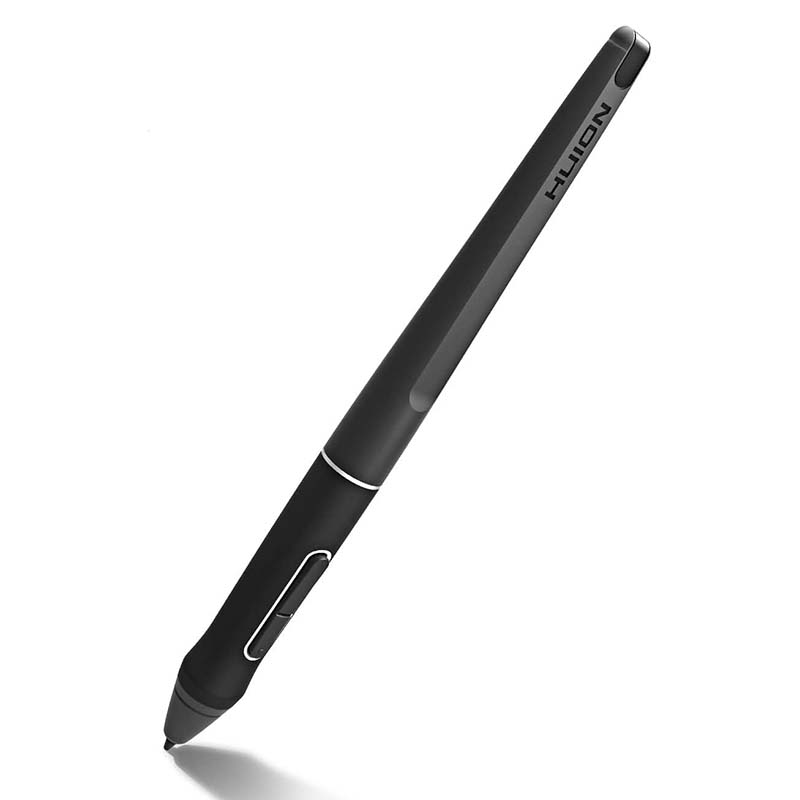
The stylus itself is a battery-less, two-button offering created in-house by Huion, the PenTech 3.0. Huion promises users better stability with a lower positioned pen nib for a lifelike drawing experience. We can’t disagree with this. The pen glides nicely, is of a comfortable medium build, supports 60-degree tilt and 8,192 levels of pressure sensitivity. A reported 14ms response time is barely noticeable.
With a weighted, rubber-grip front end and a slight cutaway at the rear, it should suit all hand sizes. The doughnut-shaped pen holder – in which you can stand the pen vertically or rest it horizontally across – doubles as storage for the included 10 spare nibs, as well as a clip to help remove used nibs from the stylus.
Aside from giving out a few initial squeaks while bedding in – akin to the sound of a marker scribbling on a whiteboard – the included nibs are pretty robust and manage the pressure sensing well. Fibre options are also available from Huion online.
Reliant on passive cooling, the Kamvas 22 Plus has no internal fan, so the occasional nib squeak was the only disturbance during our lengthy road test. The vents along the top of the screen made us concerned that heat might become an issue at some point, but the display behaved itself throughout and never reached an uncomfortable temperature.
// Get connected
With the Kamvas 22 Plus, connectivity is instant – no driver downloads required. Colours are bright at 250 nits, which seems the standard for 22-inch displays, with 24-inch tablets typically offering upwards of 300 nits.
The newer Quantum Dot Technology allows the Kamvas 22 Plus to achieve more realistic colours, with a 140% sRGB colour gamut, while the 1200:1 contrast ratio ensures deep blacks.
However, the main sticking point will be the 1920 x 1080px resolution of its IPS display, especially when working with fine lines and small details in CAD. While IPS (In-Plane Switching) offers better colour accuracy, contrast and wider viewing angles than older TN (Twisted Nematic) technology, in a world where 4k OLED monitors are now the standard, this is simply not in the same league when it comes to sharpness, especially when you’re hovering close to the screen.
Compared with competitors, it’s also a spartan offering. You can certainly buy add-ons, such as a Keydial shortcut key pack ((£59 extra) to help you switch between your favourite tools and settings, or the Slim Pen option (£42 extra), but these are not included in the box. That said, adding these options at checkout hardly dents the price-competitiveness of the Kamvas 22 Plus, which still comes in comfortably below the ticket price of other pen displays.
And herein lies its strength: the Kamvas 22 Plus is remarkably good value as a secondary screen that can transition to an accurate pen display for occasional work. Your chief stylist is not going to compromise on work space, resolution or top-level colour calibration – but your everyday designer might, if it brings the benefit of having an extra monitor and the ability to make quick sketches when necessary (another bonus of the always ready battery-less stylus technology).
Pen displays have always been pricey. When Wacom launched the Cintiq 15X for the pro market back in 2001, it cost the equivalent of over £3,000 in today’s money. Since then, of course, prices have dropped across the board and accessibility to these devices has greatly improved.
So it strikes us that, if this is what you can get today for near £500, then there’s little reason why everyone who wants one shouldn’t have a pen display at hand on their desks.
__