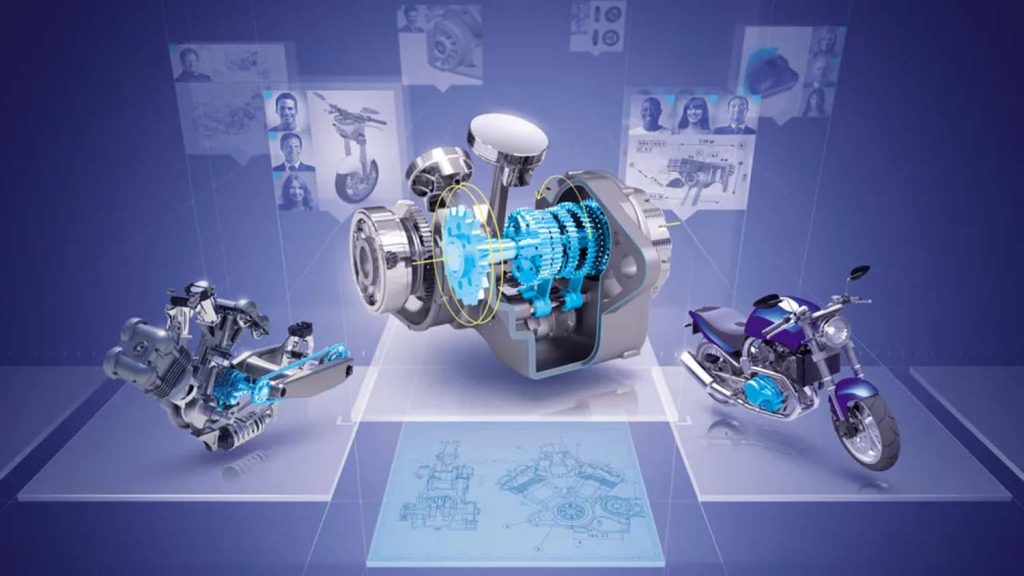

With a brief nod to the software’s 40-year anniversary and 15 years on the 3DExperience platform, the launch of CATIA R2026x centred around the need for speed and complex designs in the present, and the move towards offering companies ‘complete experiences’.
To tackle these challenges, CATIA is leaning heavily into enabling advanced Virtual Twins not simply for 3D design and engineering, but for full factory or plant use.
Much of what by CEO Olivier Sappin announced at the CATIA R2026x launch was built around more tangible tools for present day users – with a huge swathe of updates and performance improvements – and the slow creep towards cloud-based CAD.
The launch of Dassault Systèmes‘ Virtual Companions in CATIA –the same Aura as launched for Solidworks earlier this year – gives cloud-based 3DExperience CATIA users access to a chatbot for in-context guidance from LLMs.
Command intelligence is another AI function that offers intelligent command suggestions that Sappin reported as speeding up design times by 30% simply by putting the right functions closer to the action when needed. AI-enabled auto-connect for building a set of parts into an assembly was also teased, as was the STEP file to parametric feature tree CAD shown at 3DExperience World for Solidworks last February.
CATIA in the browser was a big announcement, offering many of the native tools within the same UI, with the bonus of anytime, anywhere, no install CATIA. It was not heralded as the big move, more an accommodating tool that would allow designers and engineers to securely login and view and edit a file while out of office.
Dassault Systèmes’ growing relationship with Apple sees the cloud-based version of CATIA able to have its models rendered on the Apple Vision Pro XR headset with a single click, said Sappin.
Vision Pro sharing for design reviews follows a similar path to other CAD software offering Apple connectivity, although being able to overlay Simulia CFD aero simulations at 1:1 scale was a nice ability for visually inspecting aero analysis.
Back on desktops, CATIA also sees new updates and performance benefits including the new Lightweight Mode that allows much faster opening of large assemblies by loading only 3D geometry initially, with full product data retrieved on demand.
R2026x’s modular design infrastructure was heralded as a defining architectural shift. Users can now manage geometry, annotations and specifications independently across lifecycles – transforming variant management and change traceability. Combined with Command Intelligence suggesting context-aware operations, the enhancement makes product definition faster and smarter.
Applications like CATIA Visual Scripting and xGenerative Design have received a UI overhaul for better productivity and easier learning.
Motion Design integrates analytical behaviour directly into the design phase, bridging CAD and simulation. By enabling mechanical and mechatronic engineers to define, simulate, and validate motion without external solvers, this reduces dependency loops and accelerates design-to-validation cycles – especially in automotive, robotics, and consumer product assemblies.
The new release also introduces the Sustainable Supply Systems Library and features for generating ISO 14067 Product Carbon Footprint reports during early design phases.